


 Switch Editor 2 helps connected user to switch their default editor in Joomla administration.
Version 2.6.3 (Update : 21/09/2025)
- # Joomla 6 : getUser removed
- # Use ConseilGouz library
- # Joomla 6 : getApplication()->input removed
- # Joomla 6 : getDbo() removed
- # Field Version : use webassets and remove getDbo
- # Reverse Joomla 5.3 : createQuery to getQuery
- # Joomla 5.3 : getQuery to createQuery
- # Joomla 4.4 compatibility : suppress notices on vertical/horizontal not defined in default.php
Version 2.0.0 : restart project (September 2021)
- Joomla! 4.x/5.x/6.x
- Joomla! 3.10
| Switch Editor Download |
| Download prohibited (downloaded 2219 times) |
Note: this version is not maintained anymore.
| Switch Editor Download |
| Download prohibited (downloaded 329 times) |
Switch Editor has been developped in 2008 by NetDream, restarted in 2012 by Anything Digital. Anything Digital discontinued switch editor support. This version is Joomla! 4.x/5.x/6.x compatible.
For older Joomla versions, you may download Anything Digital version by clicking on the following link : Download prohibited
Important : if you are working with Anything Digital's version (version 1.0.1.3) and planning to go Joomla 4.0, first load Switch Editor version 2.x in your 3.10 Joomla before going to Joomla 4.0.
Version 2.4.1 introduces new parameter "AutoSwitch" : it allows you to switch editor while editing an article. Note : on a new article (no title), you'll have to exit and recreate you article before switching takes place.
Version 2.1.4 introduces Switch Editor Site Module. It is displayed if you are a registered user and if you defined its template position.
Version 2.1.4 introduces Switch Editor Site module.
- Administration module
- Site module

This module is to be in status position.
With Joomla 3.x, status position is at the bottom of the screen when, with Joomla 4.x, it's at the top.

In this demo, the module is in right position, which is my Astroid template's specific position.
In both modules, there are just a few parameters.
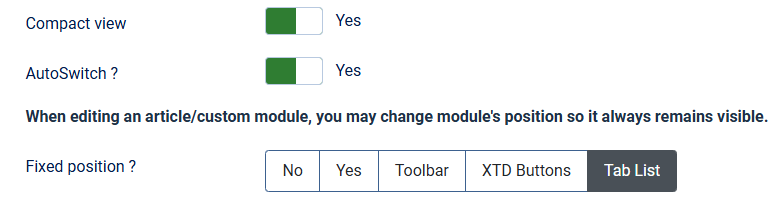
For compact view, If no (default value), we have :  , if yes, we have a more compact view :

AutoSwitch parameter allows you to switch your editor while editing an article.
Note : Current article will be saved prior displaying article with the new selected editor.
With 2.5.1 version, SwitchEditor module may remain visible during article edition.
- Fixed position
- Toolbar
- XTD buttons
- TabList
Define where SwitchEditor module will be displayed by its horizontal/vertical positions.
For example, Center Left will give :
This will add SwitchEditor module to editor toolbar above editing zone.
Note : Editor's toolbar is"sticky", it remains displayed when scrolling.
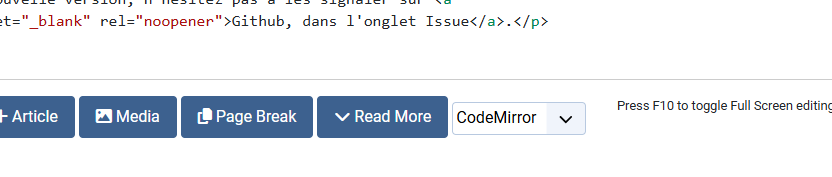
SwitchEditor module is added to your editor additional buttons, below editing zone :
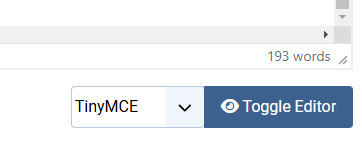
Note : with TinyMCE, SwitchEditor is dsplayed before Toggle Editor button :
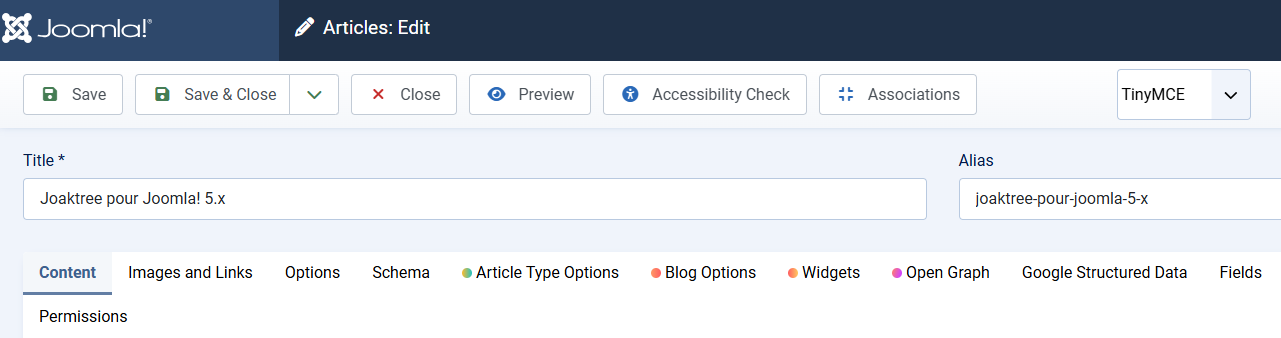
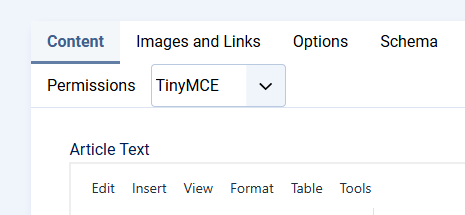
SwitchEditor module is added to tabs list above editing zone :
 © 2026 ConseilGouz